For B2B and SaaS Companies
WordPress to Webflow Migration Service
Move off WordPress without losing your rankings, your content, or the work your plugins were doing. WealthHub moved off WordPress and onto a new domain with us, and its organic clicks more than doubled after the migration.

Trusted by 85+ B2B and SaaS companies across Europe and North America






WordPress got you this far, and now it's in the way.
Every feature you added came as another plugin, and now the site only works while all of them do.
Updates break pages. Each plugin updates on its own, without checking what the others depend on.
Speed keeps dropping. Every plugin adds weight, including the ones installed to make the site faster.
Marketing keeps waiting. Even small edits go to a developer, because one wrong setting can take a page down.
Leaving feels risky. Years of rankings, content and leads sit on the site you want to leave.

Migrations break when nobody is in charge
Handing a migration to an agency that only executes tasks is how companies lose their organic traffic.
URLs change.
Pages move to new addresses, and nobody writes down where each old one went.
Redirects get missed.
Old links lead to error pages, and Google drops the rankings they had.
Forms break.
Leads stop coming in, and it can take weeks before anyone notices.
Nobody owns the outcome.
Every task gets ticked off, and nobody tests the finished site as a whole.
What stays intact
The parts of your WordPress site that already work come with you to Webflow.
How a WordPress migration works
Every migration runs through the same four stages.
Audit
We document every URL, what it ranks for and which forms sit on it, then map out where it will live on the new site.
Design
We design the new structure around what your company sells today, which usually means fewer pages than you have now.
Build
Everything gets built and reviewed on a staging site, while your live WordPress website keeps running.
Launch
We do a full check before the site goes live, and we are there afterwards to handle anything unexpected.
organic clicks
impressions
250+ blog posts migrated, live in six weeks
WealthHub, formerly MiltonFMR, moved from WordPress to Webflow as part of a full rebrand. We restructured the site, mapped redirects from the old domain and rebuilt it on a CMS the team runs without developers.

What the migration includes
You get the full scope of a new site build, plus the redirect and plugin work the move needs.
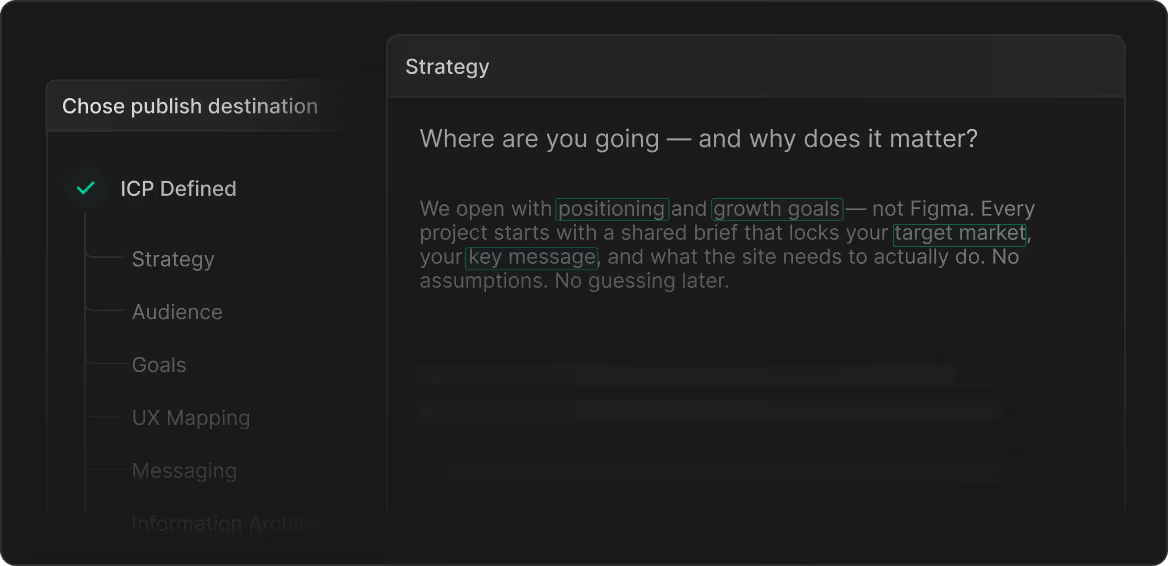
Strategy & Discovery
We map your goals, your ICP and the site architecture before design starts.
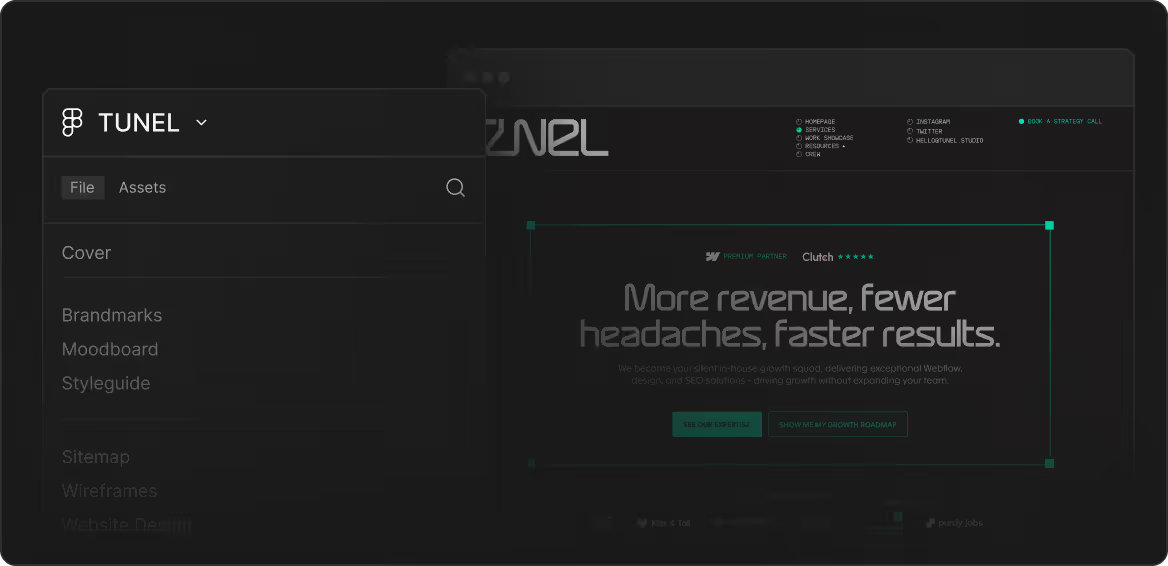
UI/UX Design
The design starts from your brand and positioning, so the site finally looks like your company.
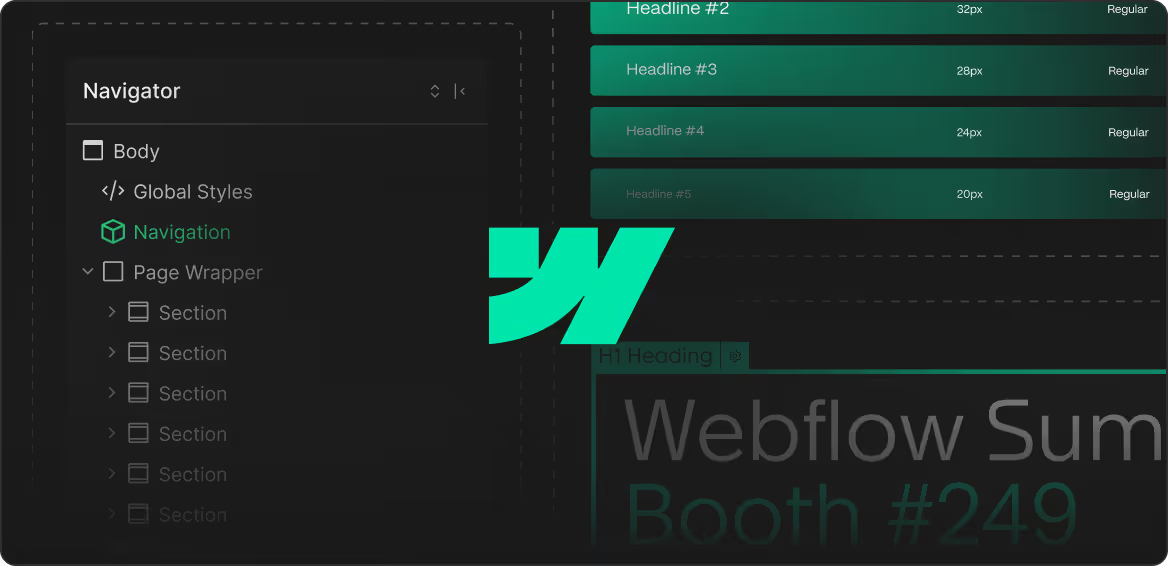
Webflow Development
The build is clean, modular and fast, and your marketing team edits it without a developer on call.

SEO/GEO Foundation
Technical SEO and GEO-ready markup are built into the architecture, so you rank from day one on Google and in the AI tools your buyers ask.
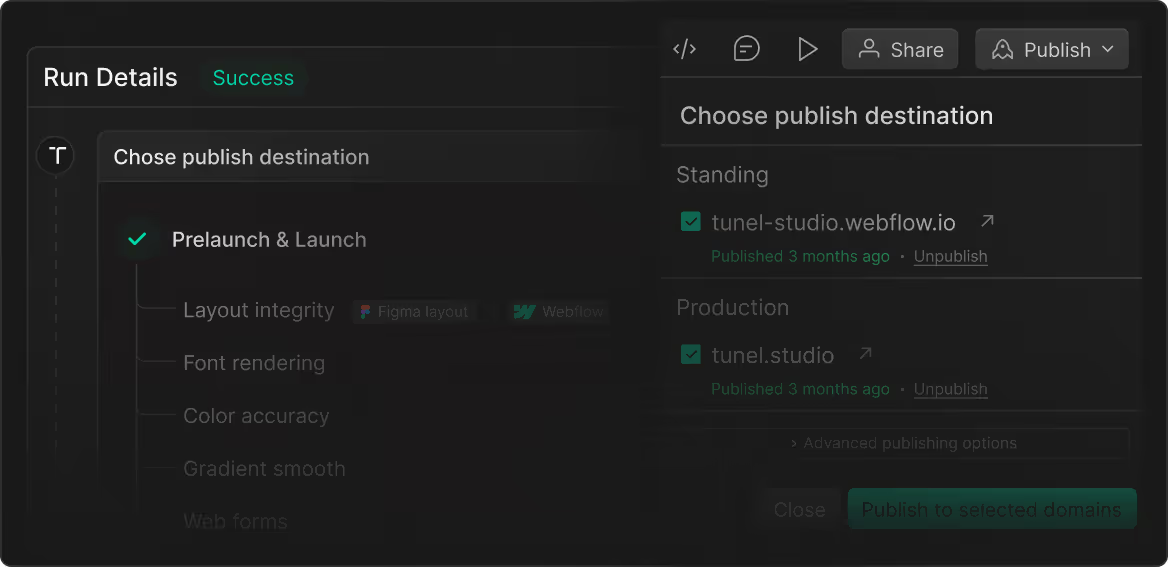
QA & Launch
We verify every redirect and test the site on every device and browser before it goes live.
Post-Launch Support
30 days included. Adjustments made, questions answered, nothing left open.
What it actually feels like to work with us.




Your growth starts with one conversation.
No pitch deck. No pressure. A focused 30-minute call about where you are, where you want to be, and whether we're the right team to get you there.

A few pieces we have written on this
If you want to understand the process before you speak to anyone, these three cover most of what comes up.
What other marketing leads asked before they moved
Your pages can keep their URLs, and blog posts can keep their slugs. Webflow puts every post under one fixed folder, like /blog/post-name, so WordPress paths with a category or a date in them can't carry over as they are. Those old URLs get 301 redirects, and a single pattern rule can cover a whole group of posts.
They move with the posts, because Webflow downloads the images inside each post during the import and hosts them itself. The old WordPress server can then be switched off without the posts losing their images.
Yes, Webflow only needs the records that point your website to it, and your email records stay as they are. If the DNS is managed in your old WordPress host's control panel, we copy the email records over to your domain registrar before that hosting is cancelled.
Yes, every language moves into Webflow's built-in localization and gets its own folder in the URL, like /de/. Webflow adds the hreflang tags that tell Google which version to show in which country, and we set up redirects for each language separately, because a redirect in one language doesn't cover the others.
Your domain moves over to Webflow, the old URLs redirect to their new pages, and the WordPress hosting can be cancelled once that's checked. It's worth keeping a full backup of the old site in case you ever need something from it.
Migrations usually go live in 4 to 6 weeks, depending on page count and languages. You get the exact timeline in the scope before we start.
It depends on the page count, the languages and the complexity of the build. We go through it on a first call, share a short questionnaire so nothing gets missed, and price the project from there.